Avan-Stats Thermostat / Humidistat Wi-Fi Setup Guide (iOS)

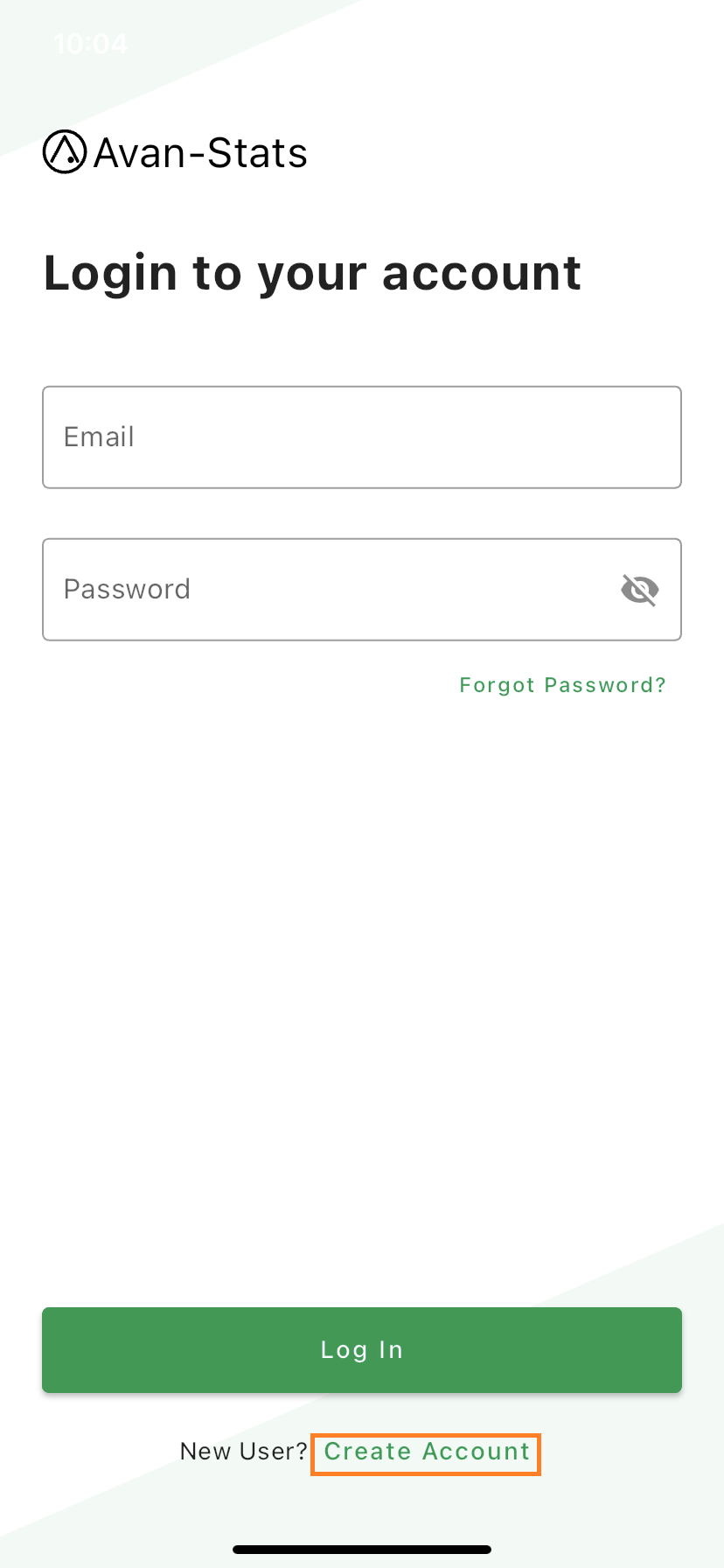
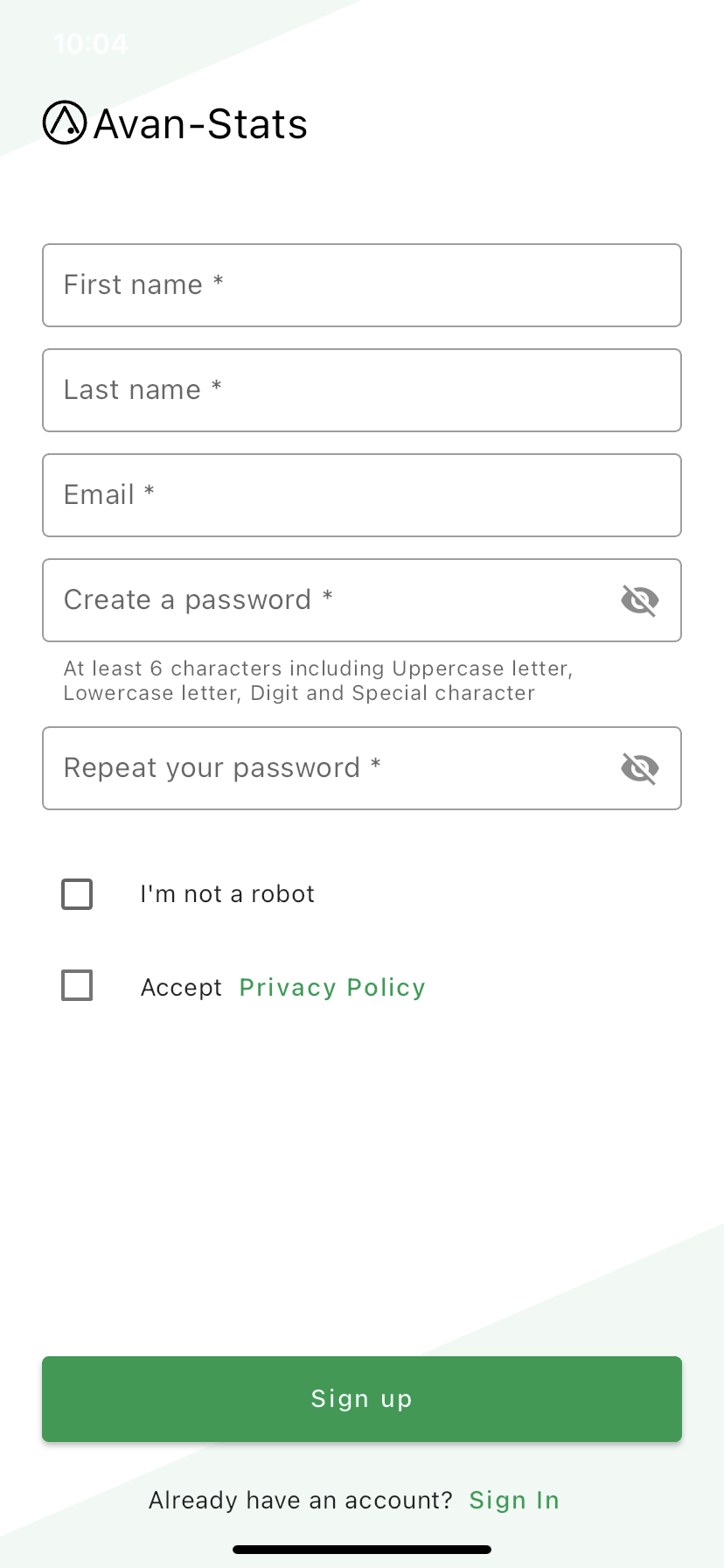
Press Create Account to Create an account for first-time users. Sign up by Email and Login.
Password must be at least 6 characters, including Uppercase letter, Lowercase letter, Digit and Special character.
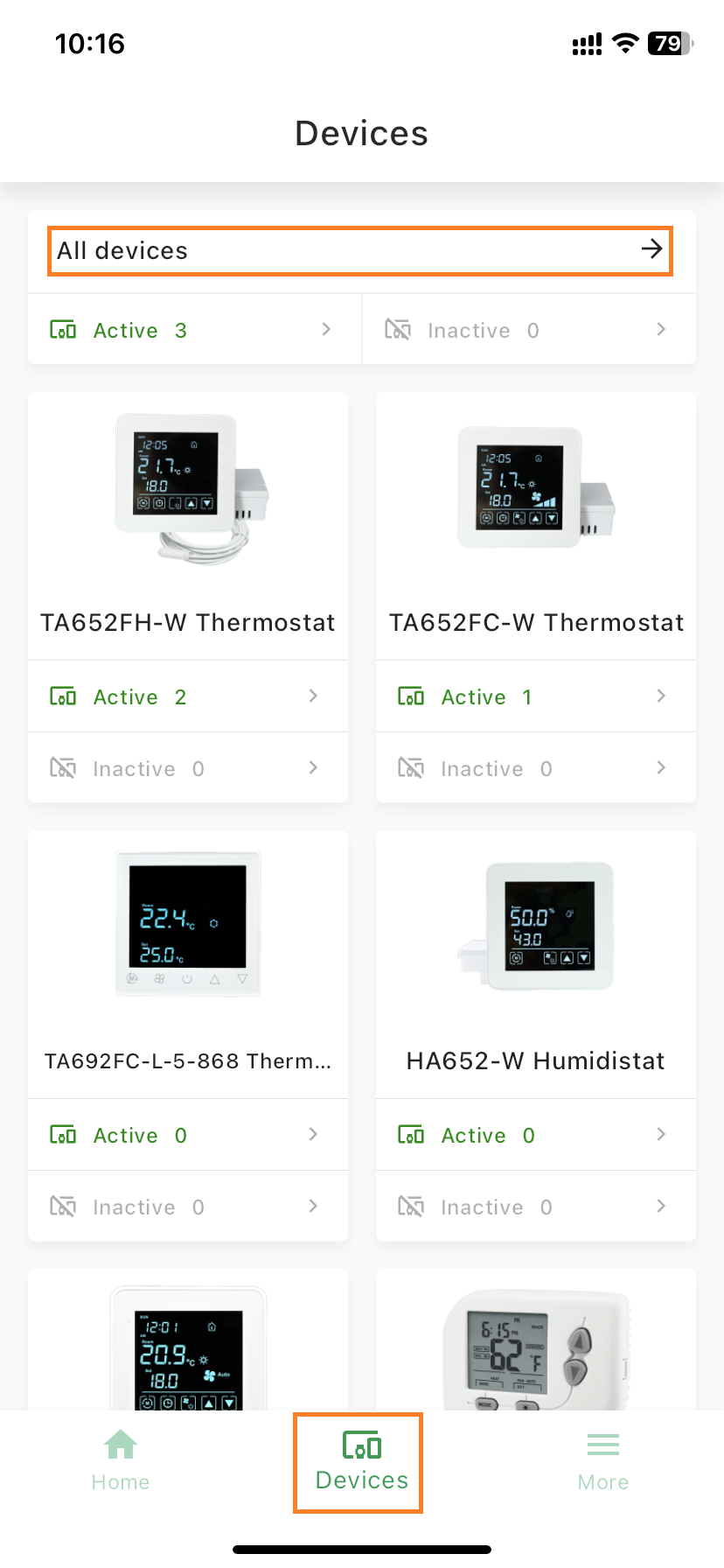
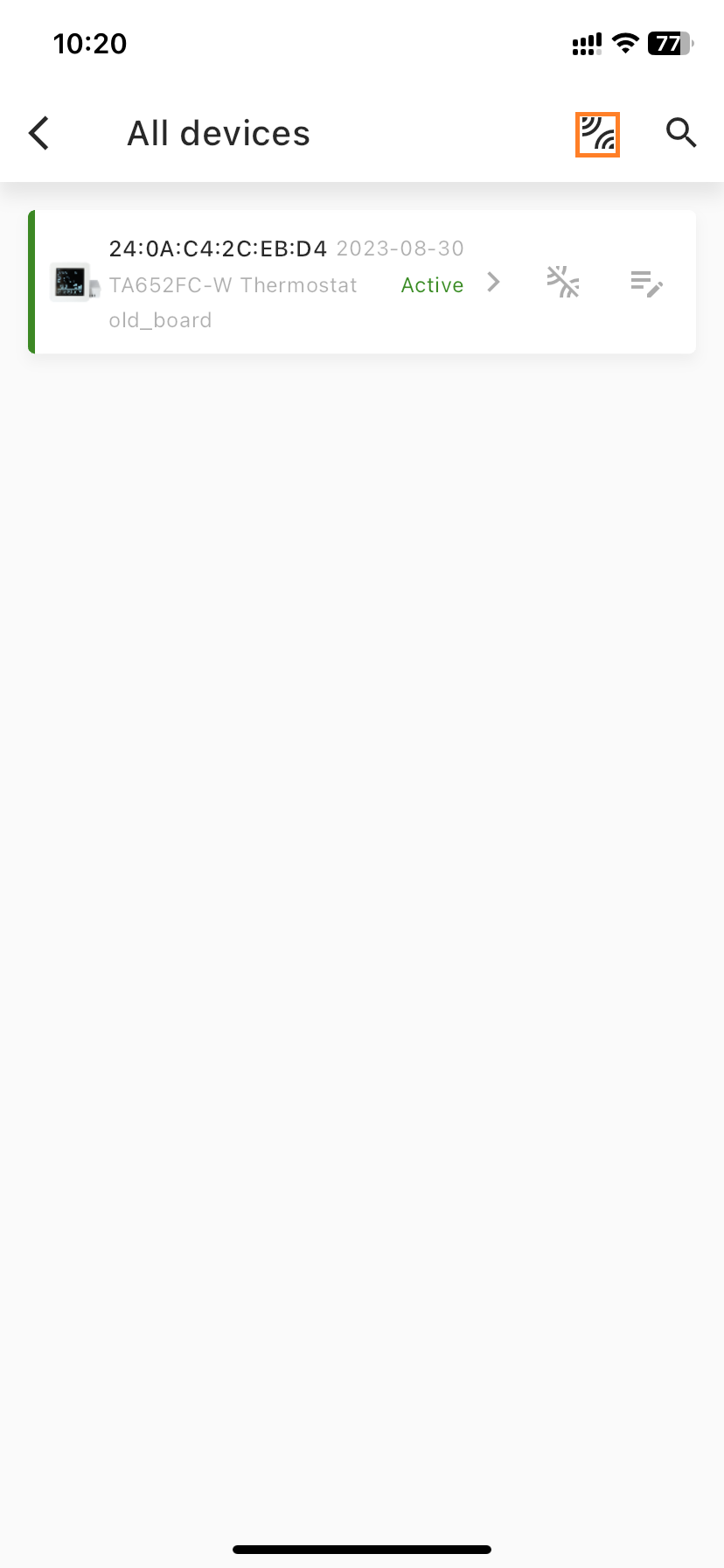
Press
 and All devices ->.
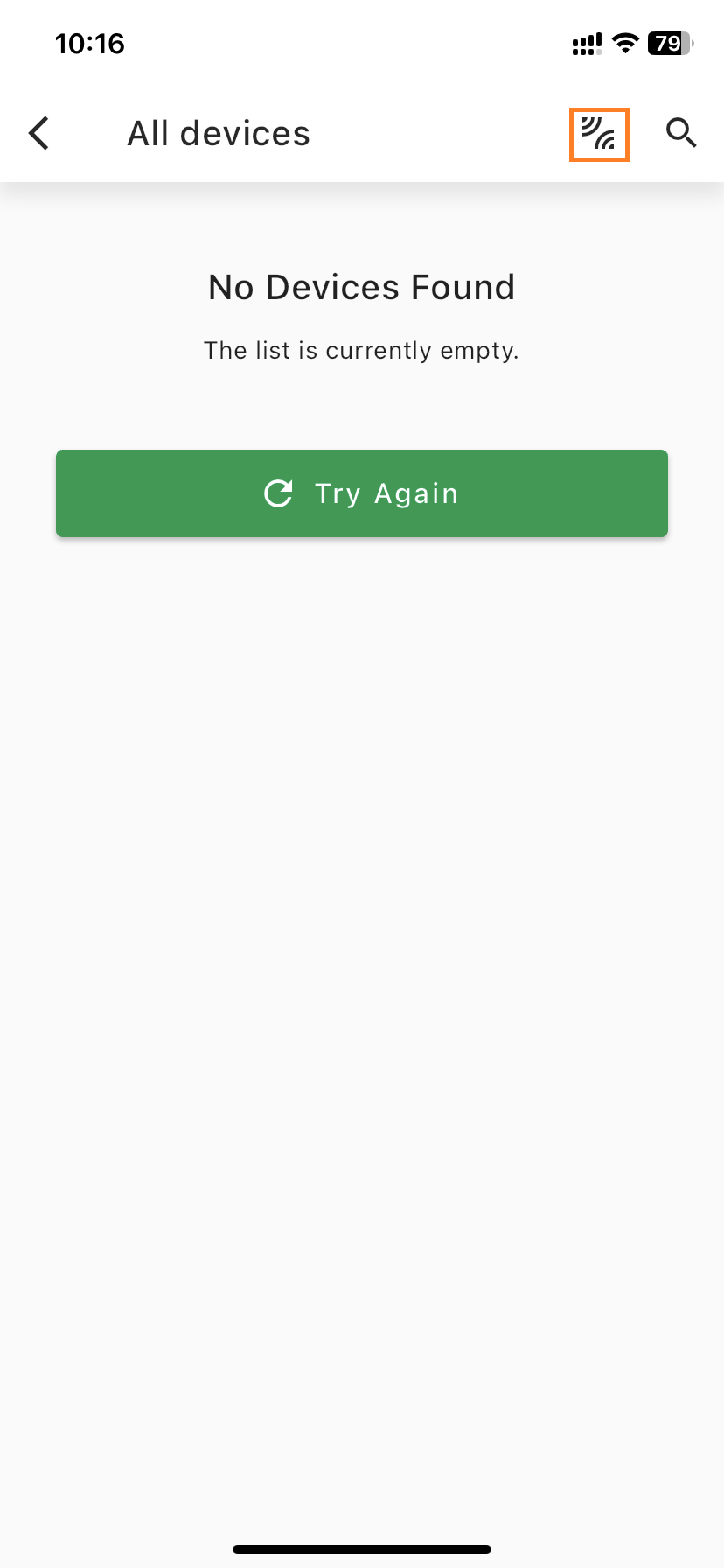
Press
 to Claim and add new device.
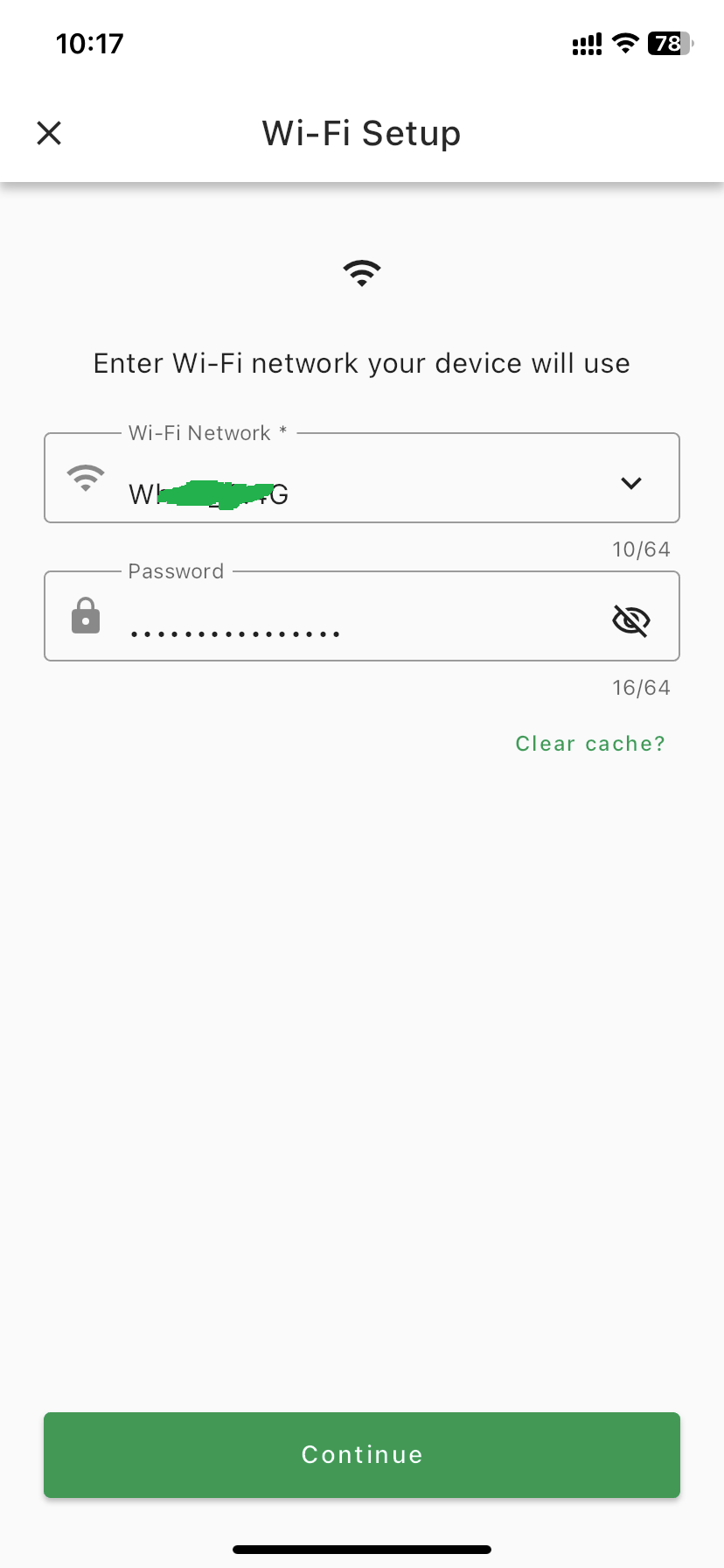
Enter Wi-Fi network and Press Continue.
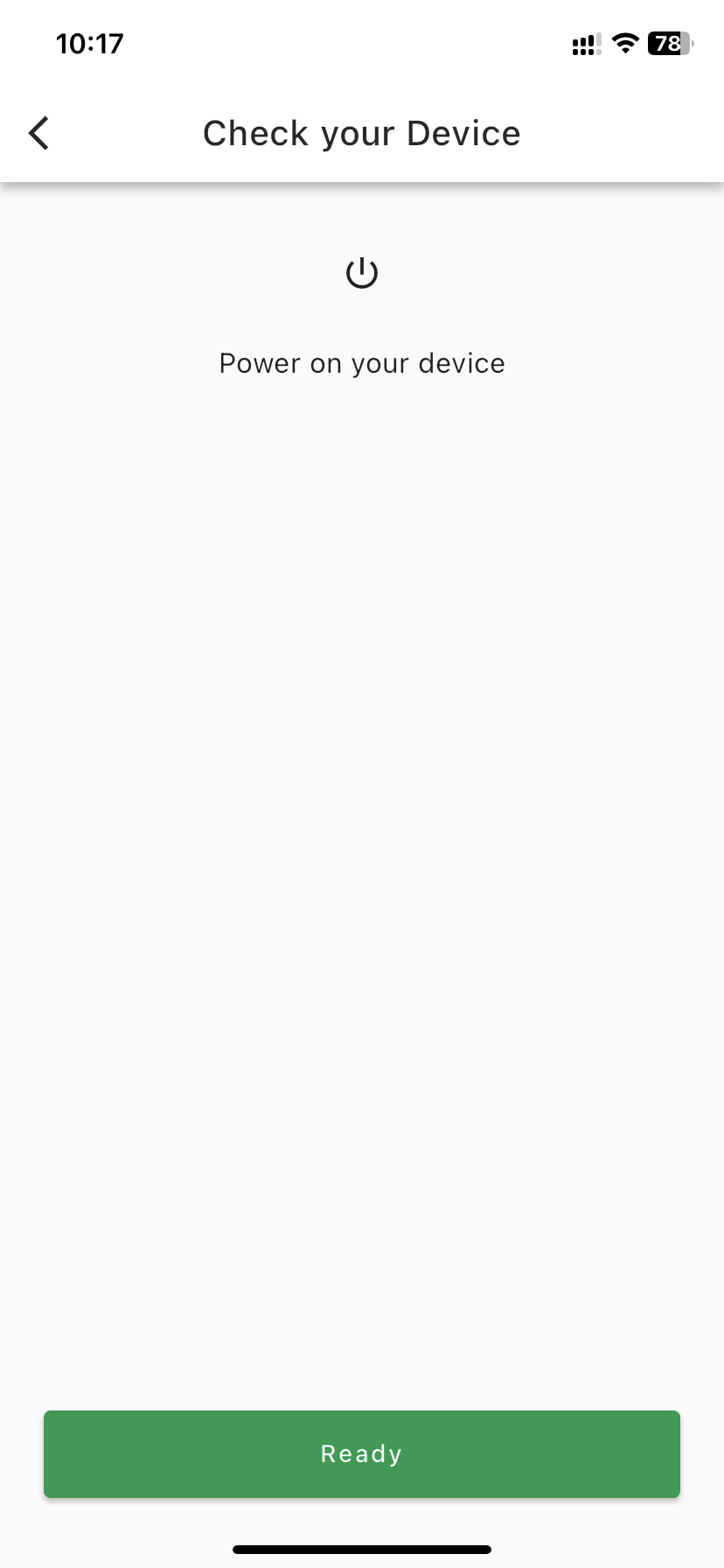
Power on your device and Press Ready.
Press Go to Wi-Fi Settings, Switch to Wi-Fi settings and Find your Device, e.g. Avan-Status-CEBD4
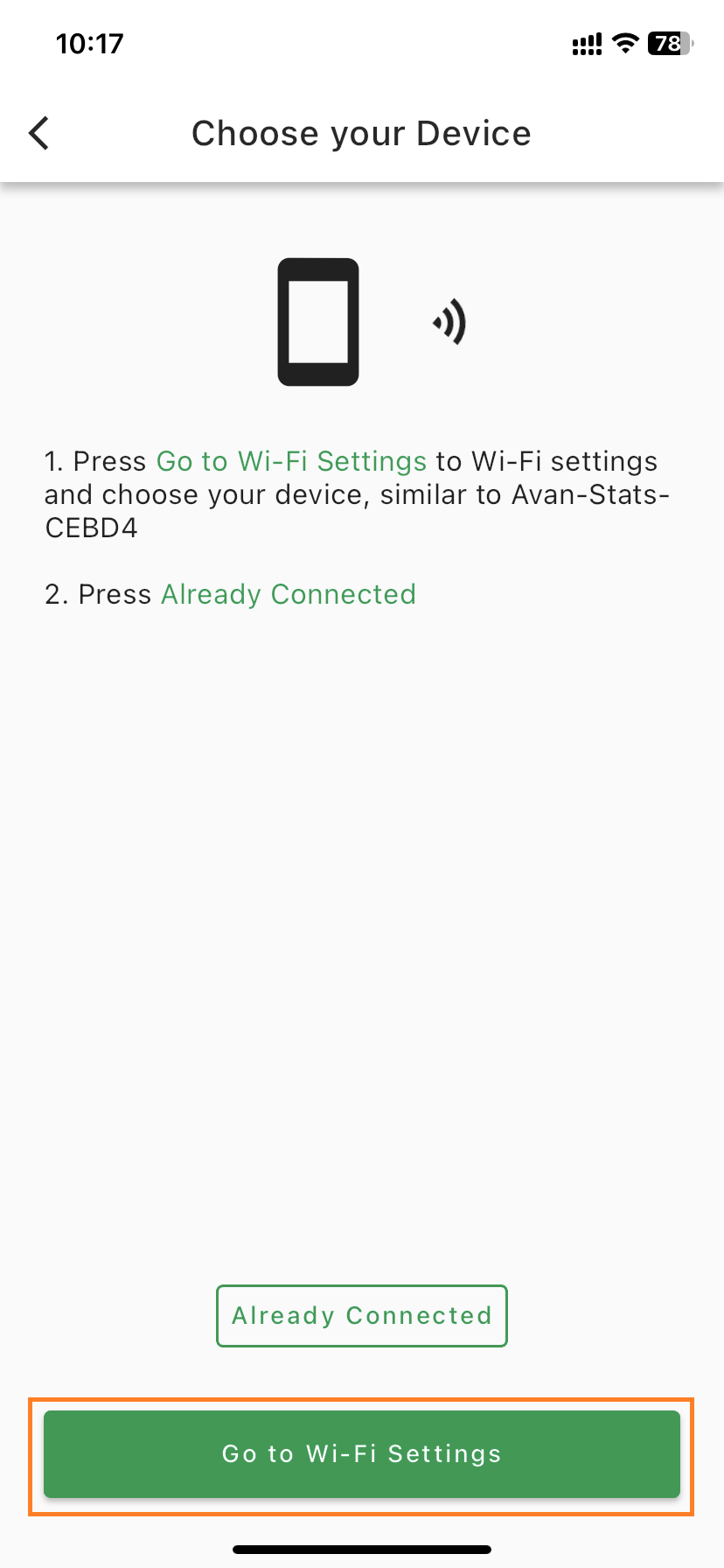
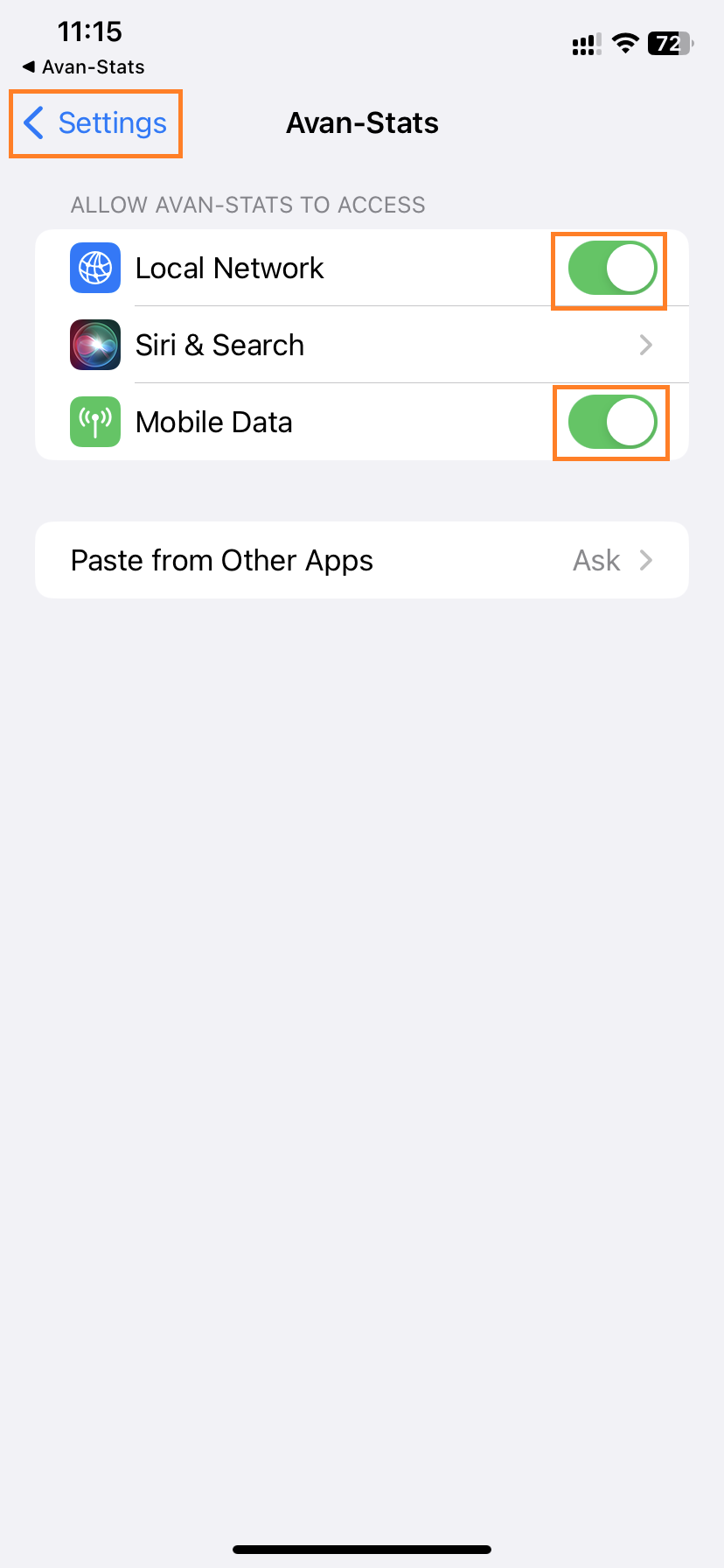
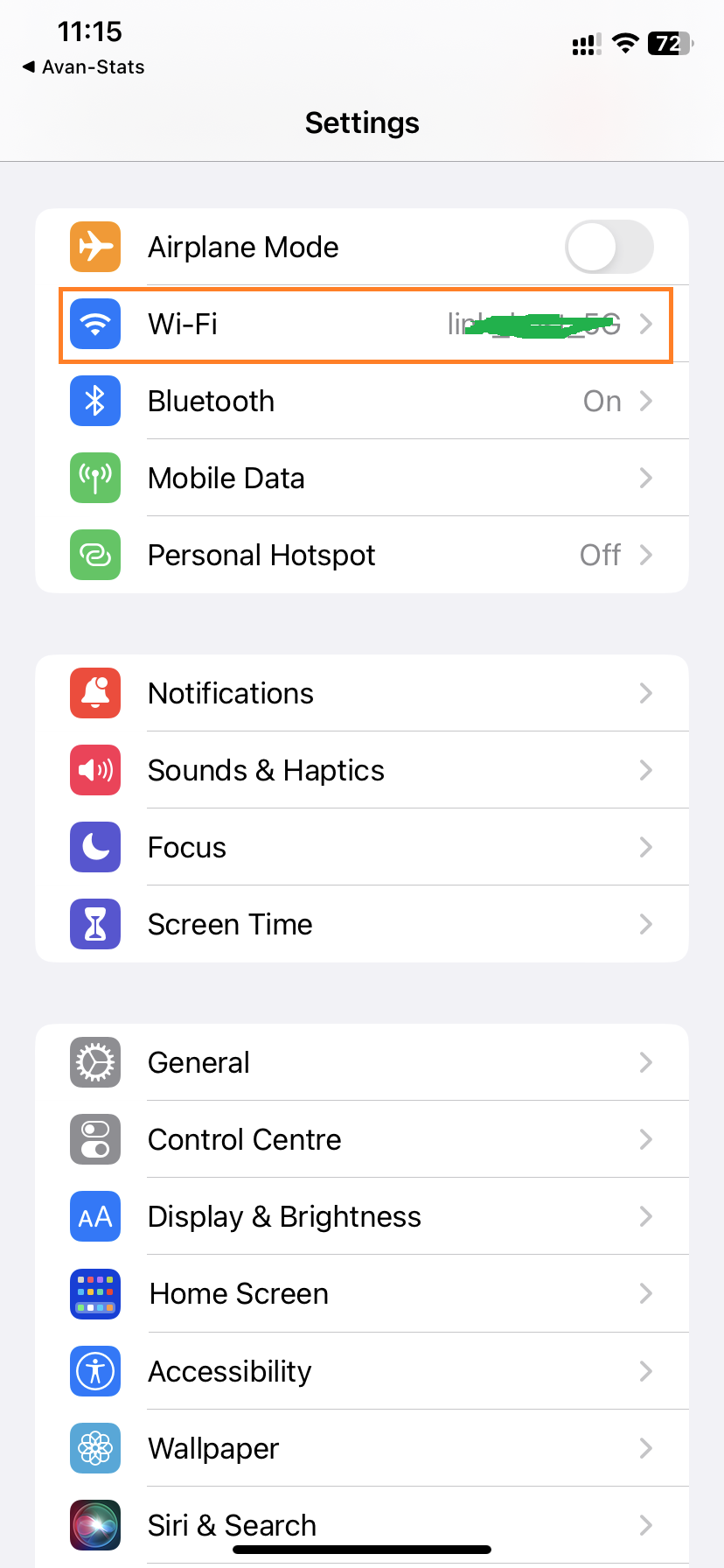
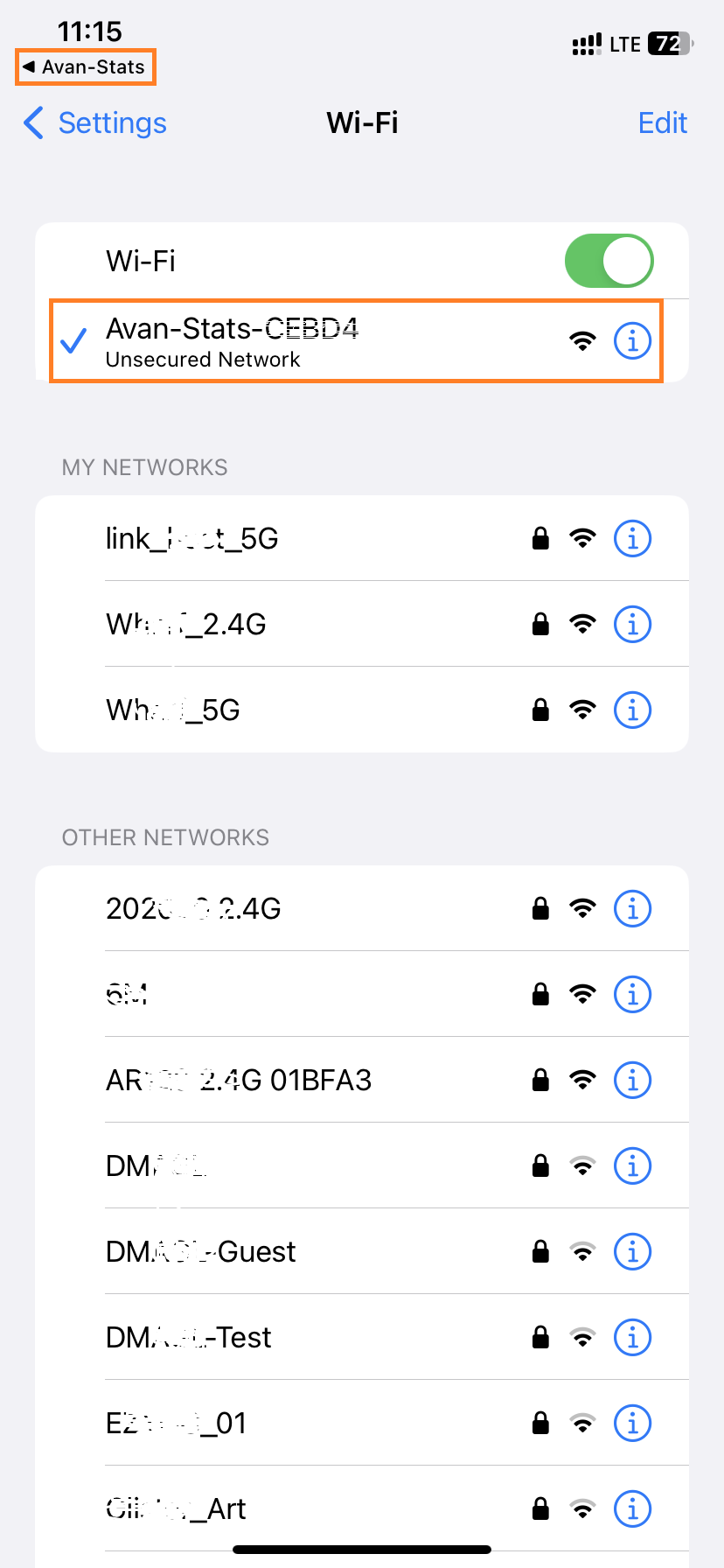
Go back and Press Already Connected.
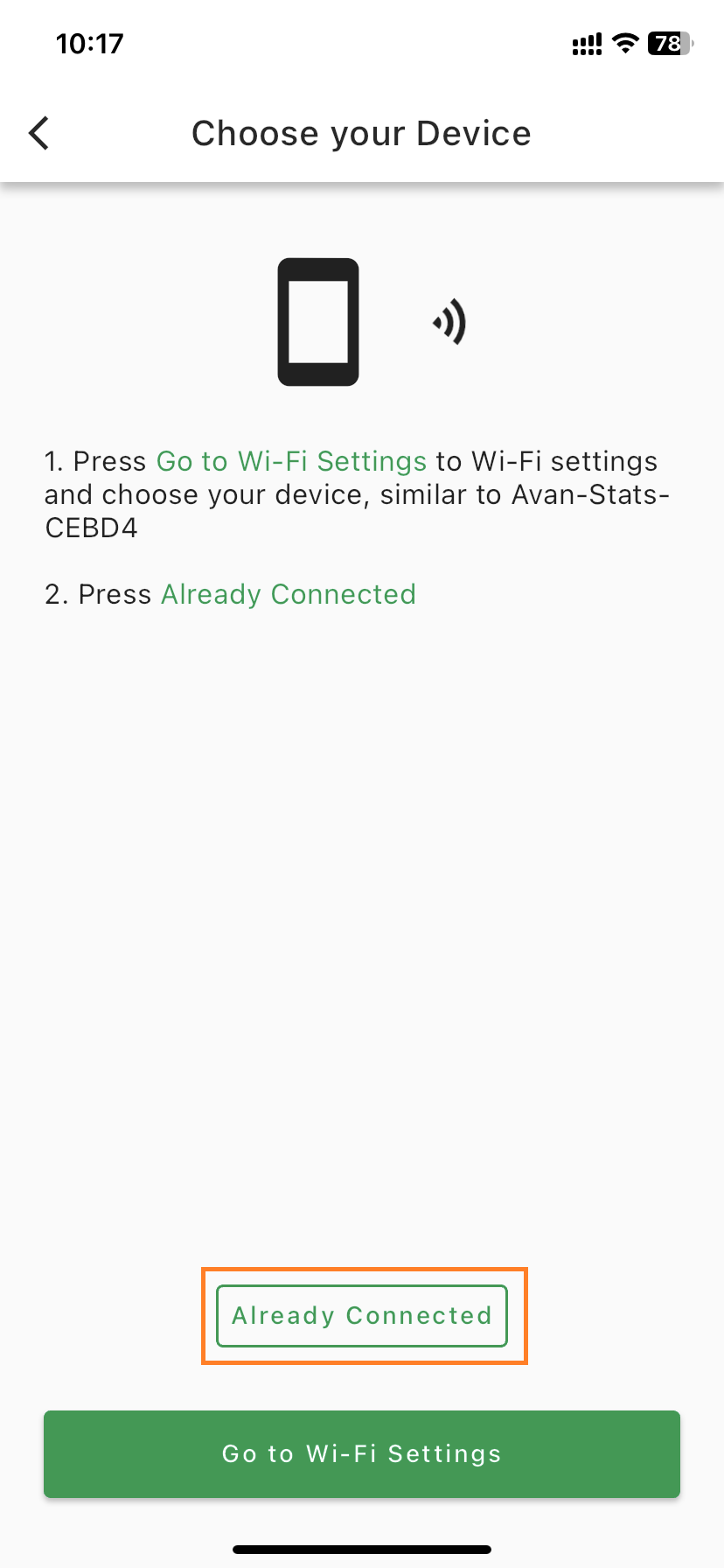
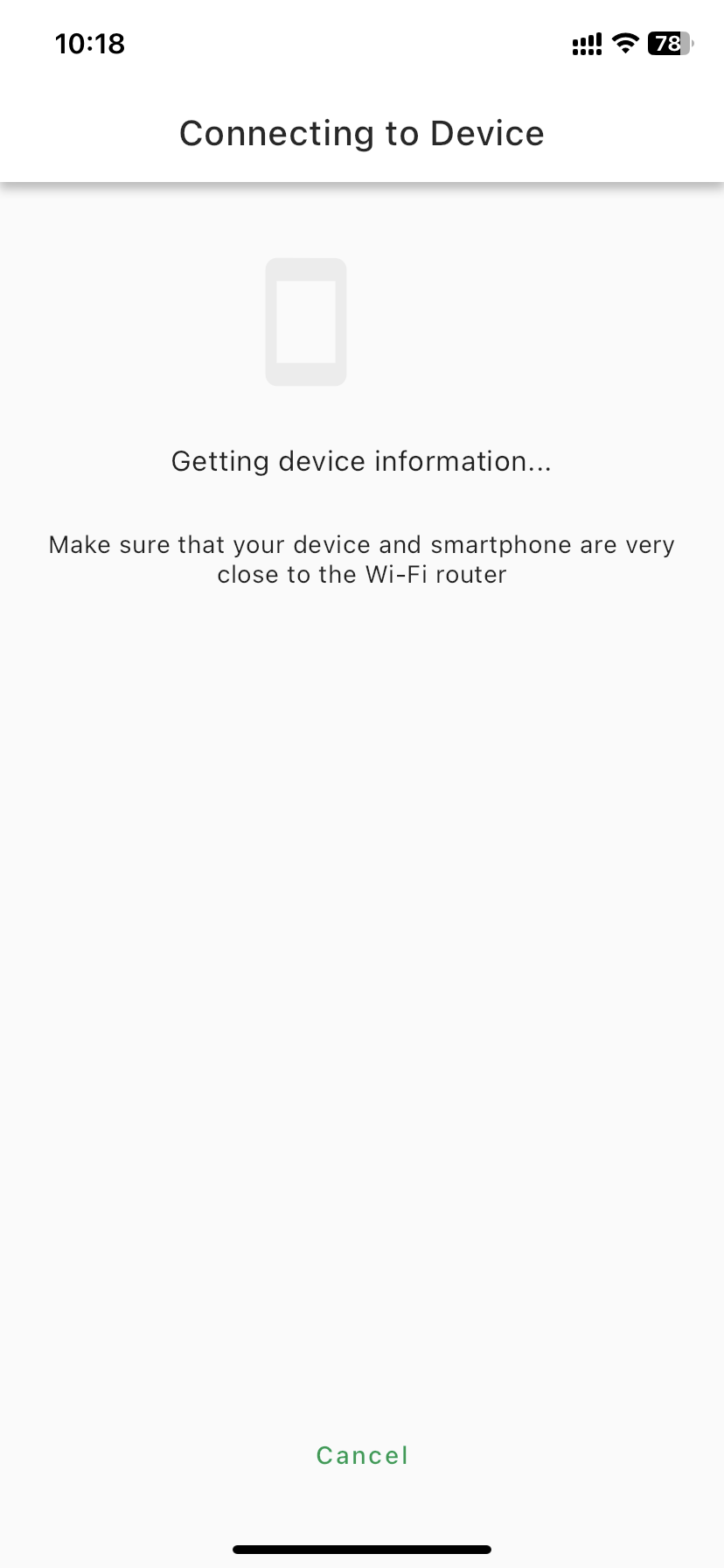
Wait for connection.
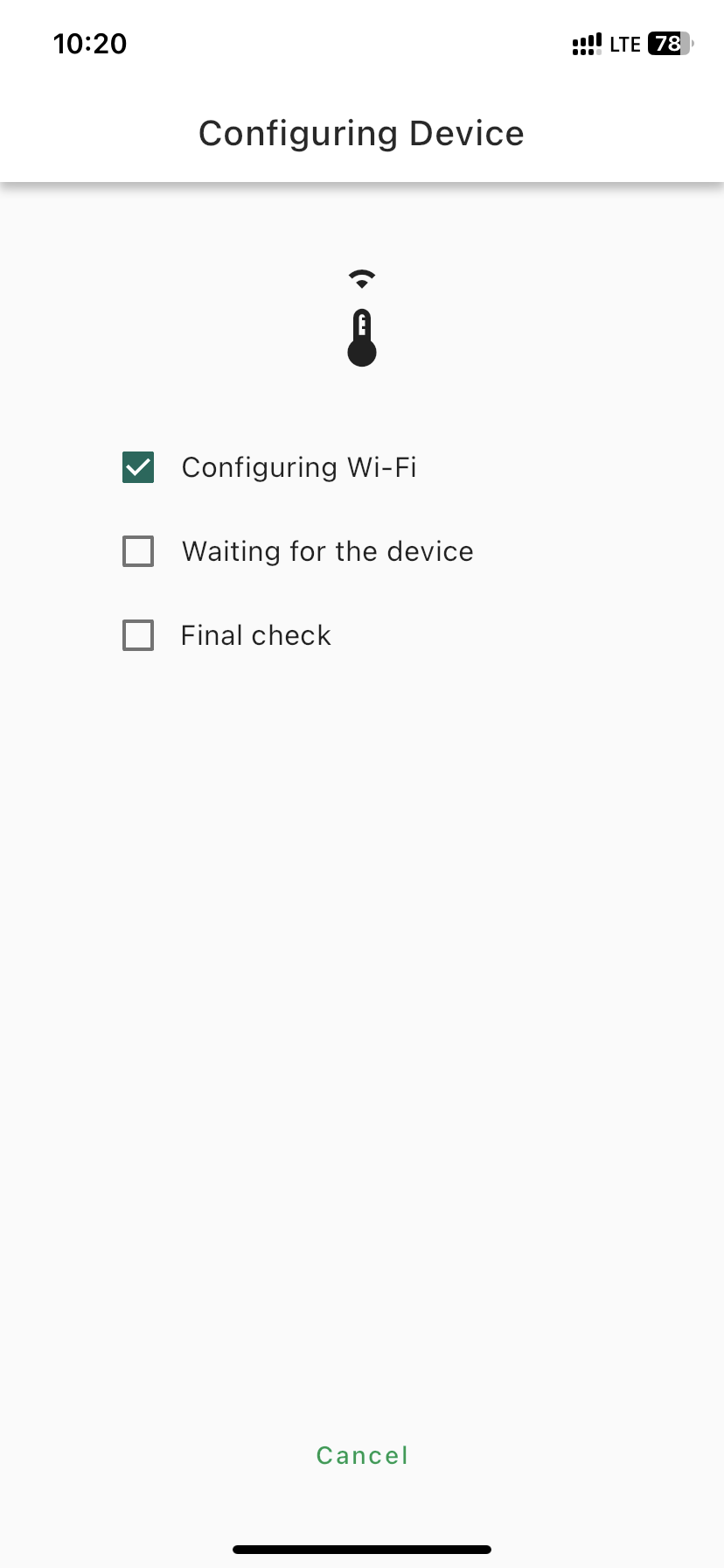
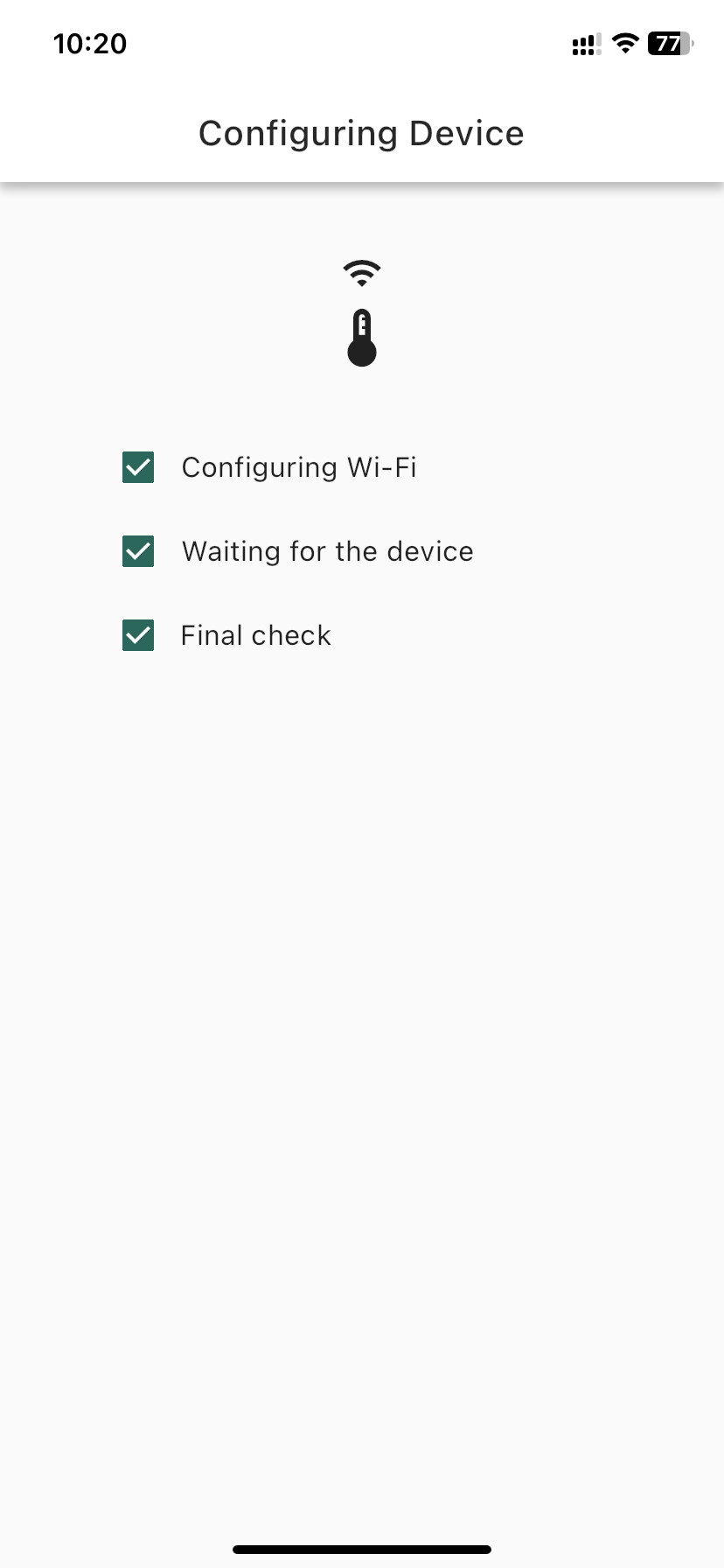
Device connected and Label.
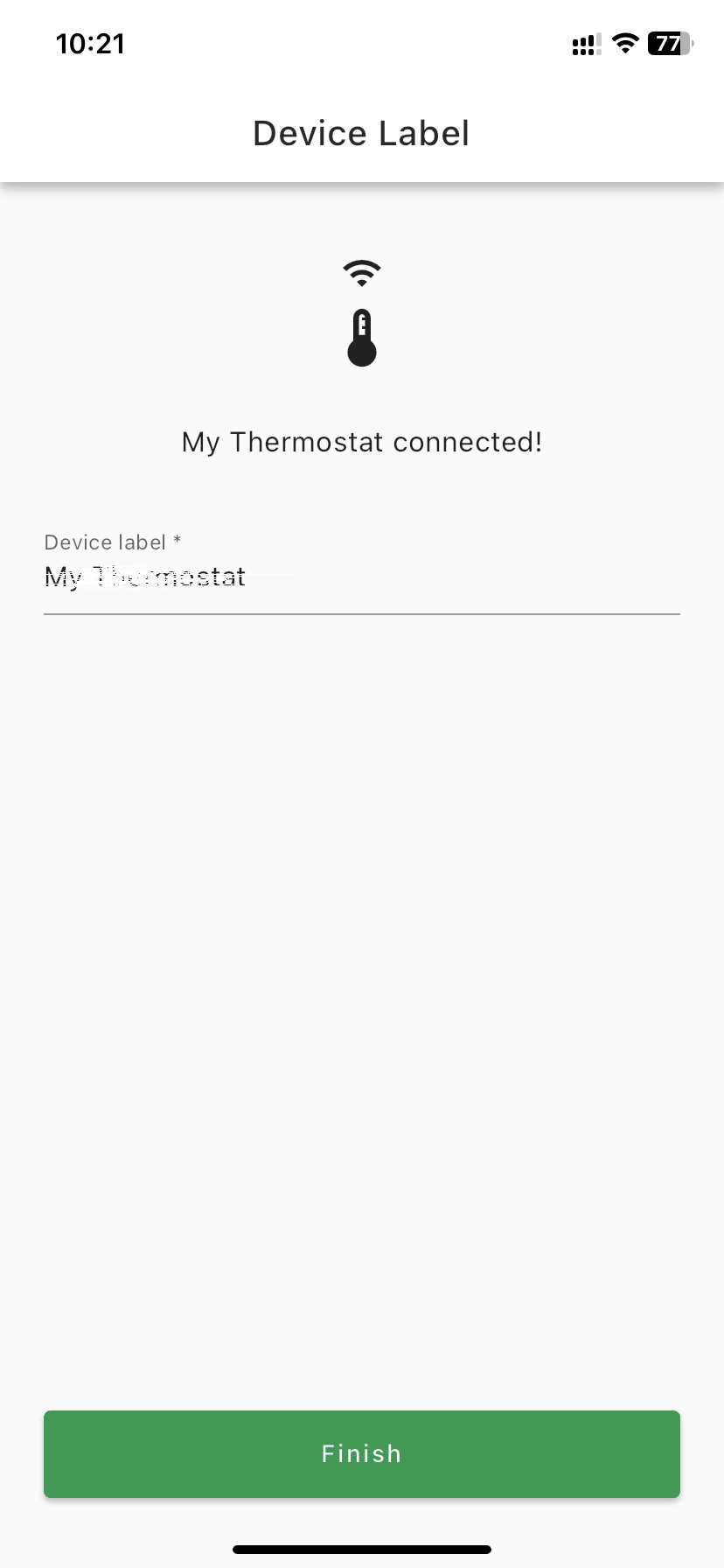
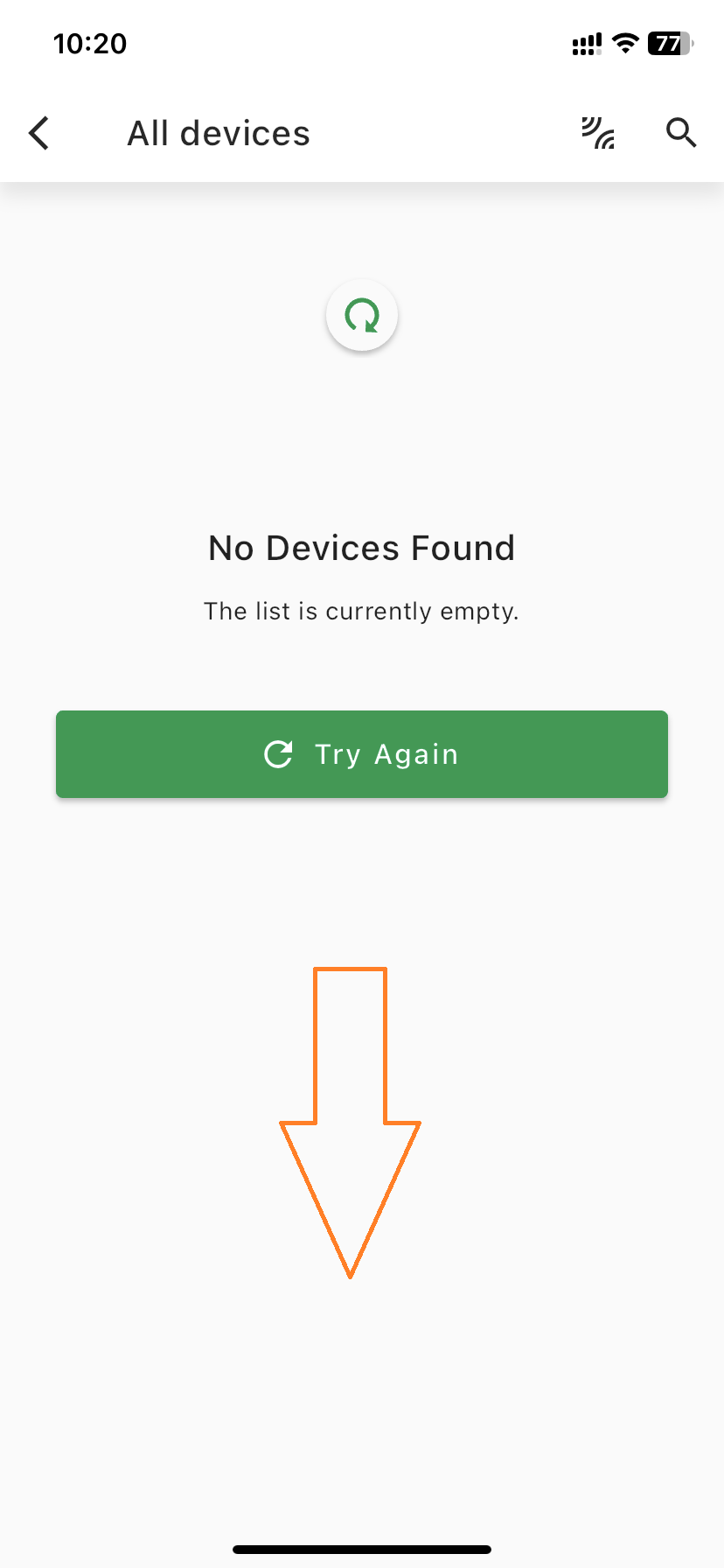
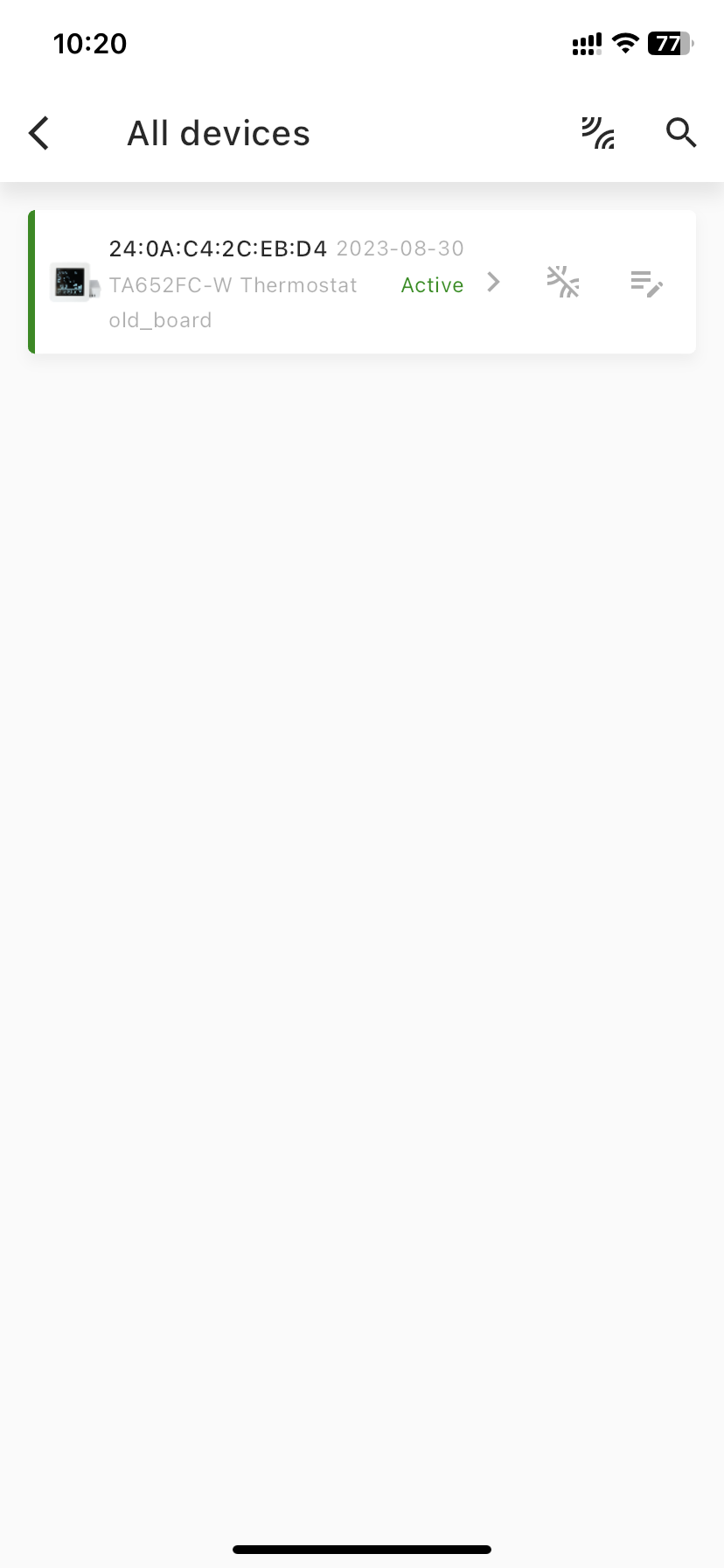
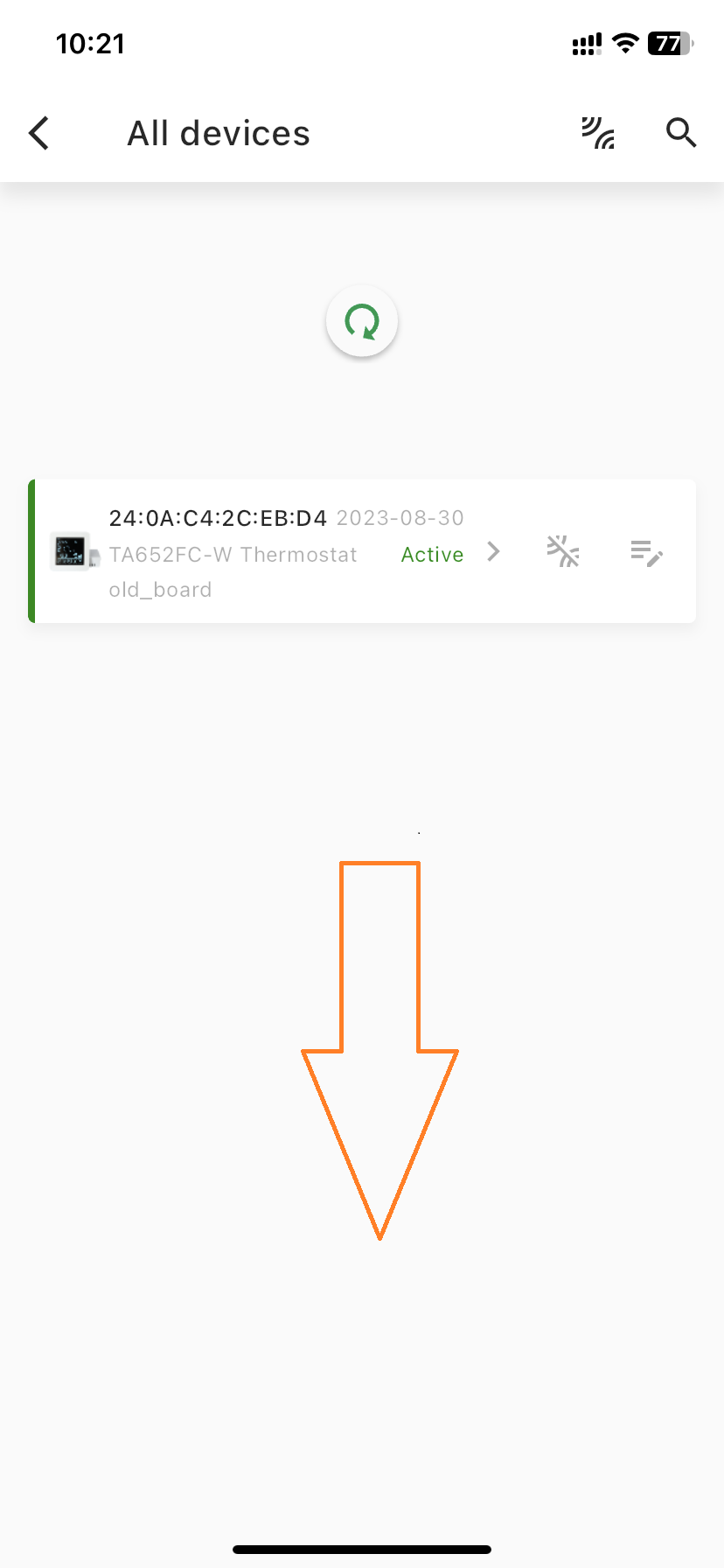
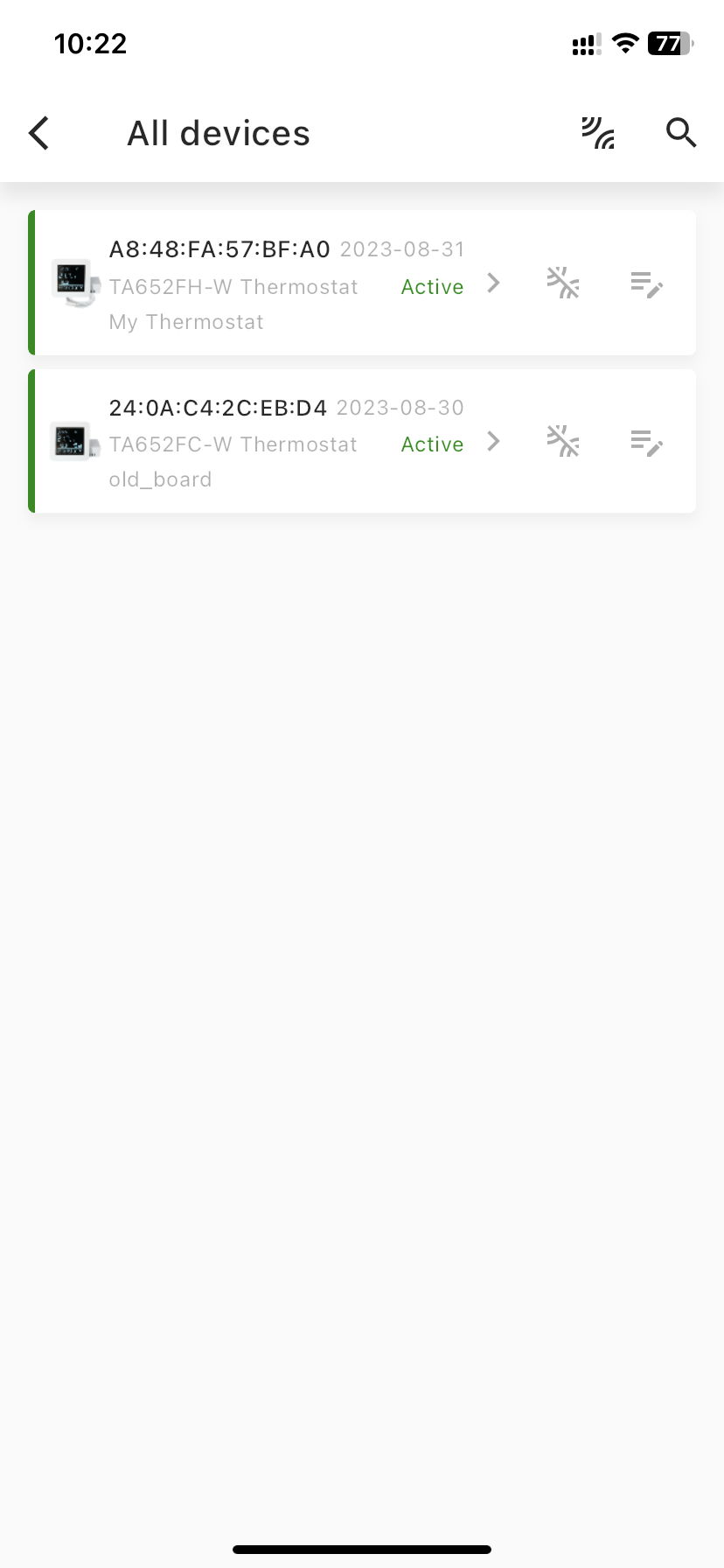
Pull down to refresh device list.
-End-